Integrating Gong with Overpath AI with Overpath AI turns every meeting into actionable deal context, helping reps stay aligned and execute better before and after each call.
Follow the steps below to connect Gong in just a few minutes.
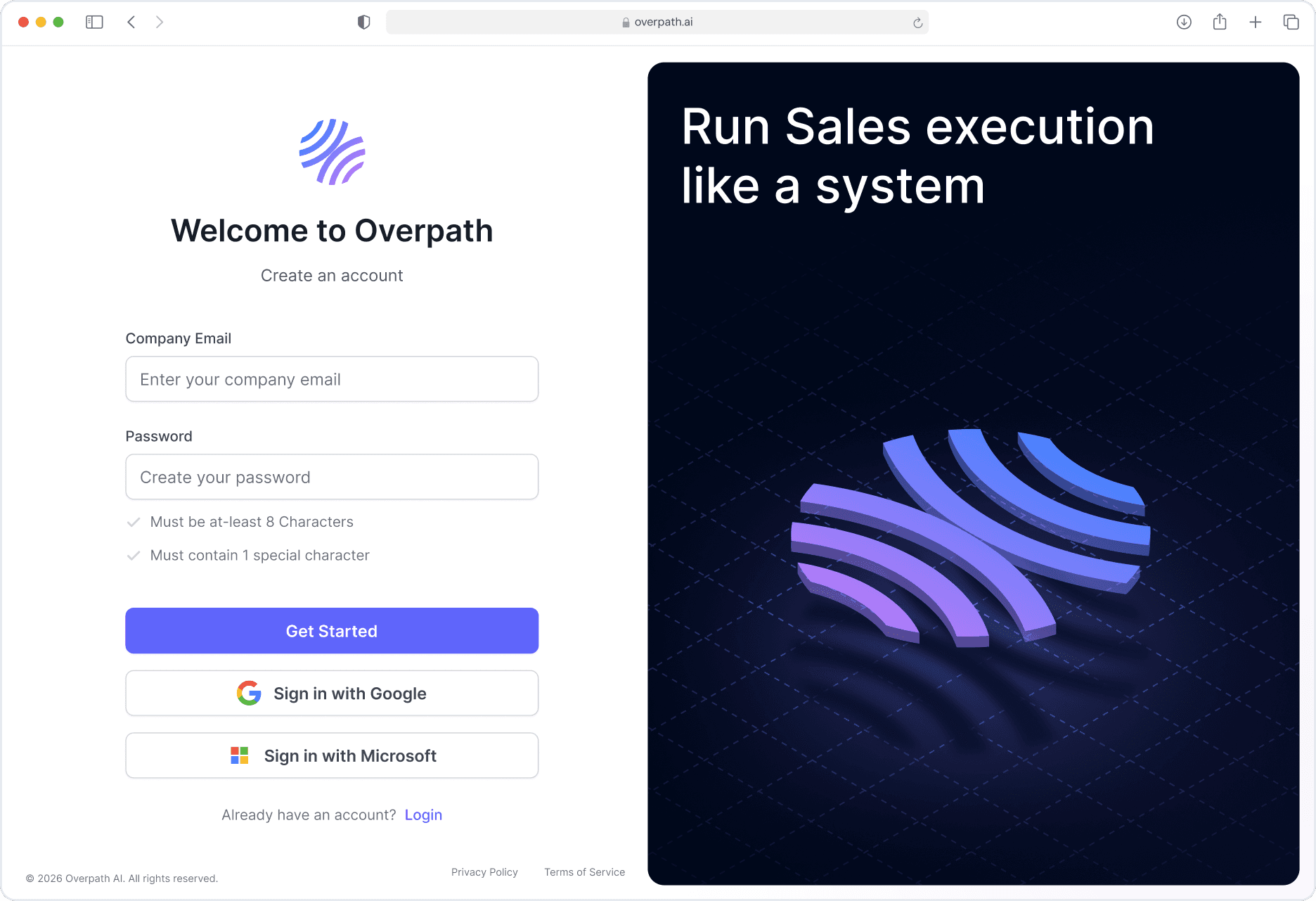
Open your browser and go to Overpath AI.
Either Sign in using your Google / Microsoft account or with your email.
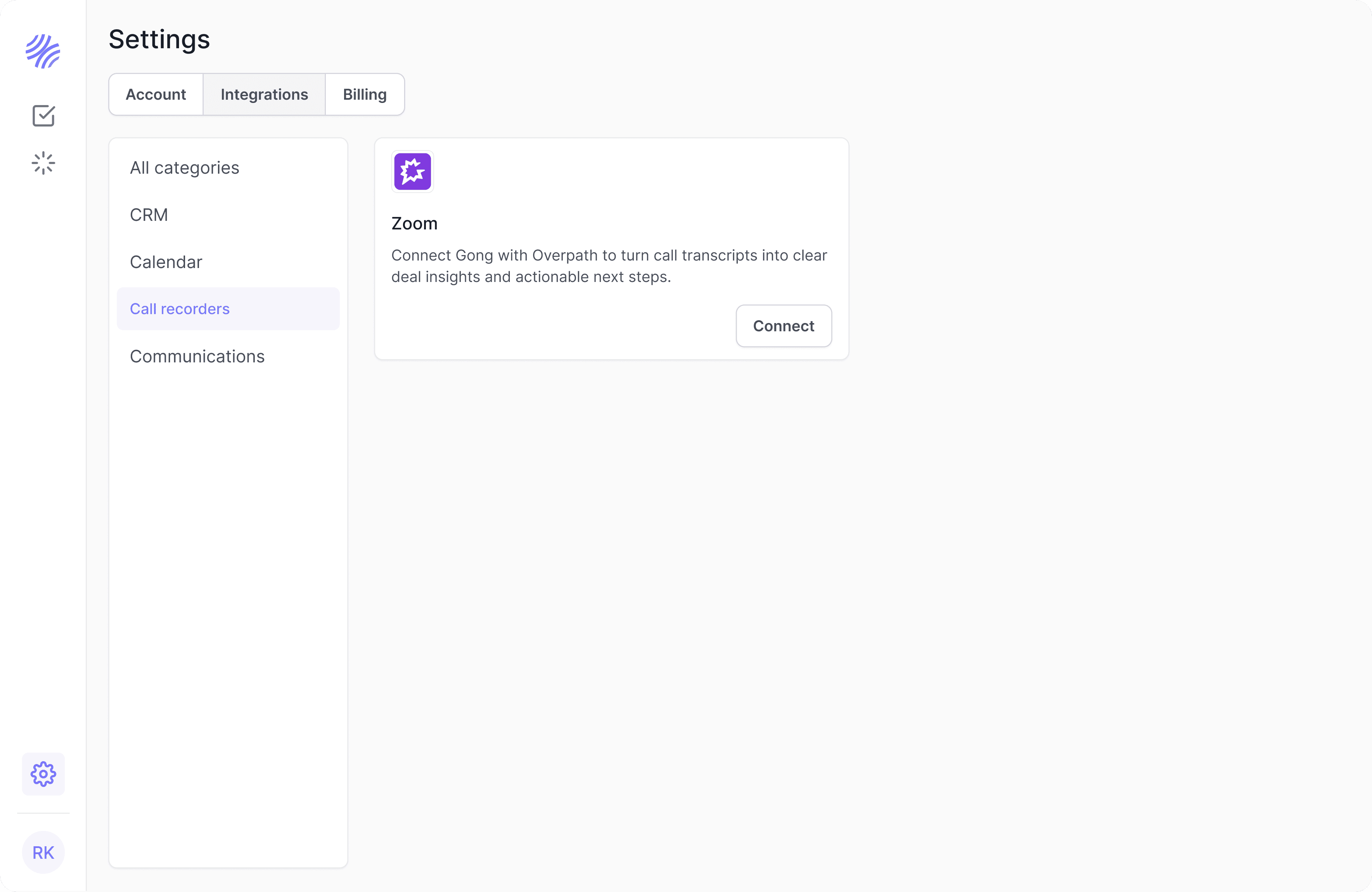
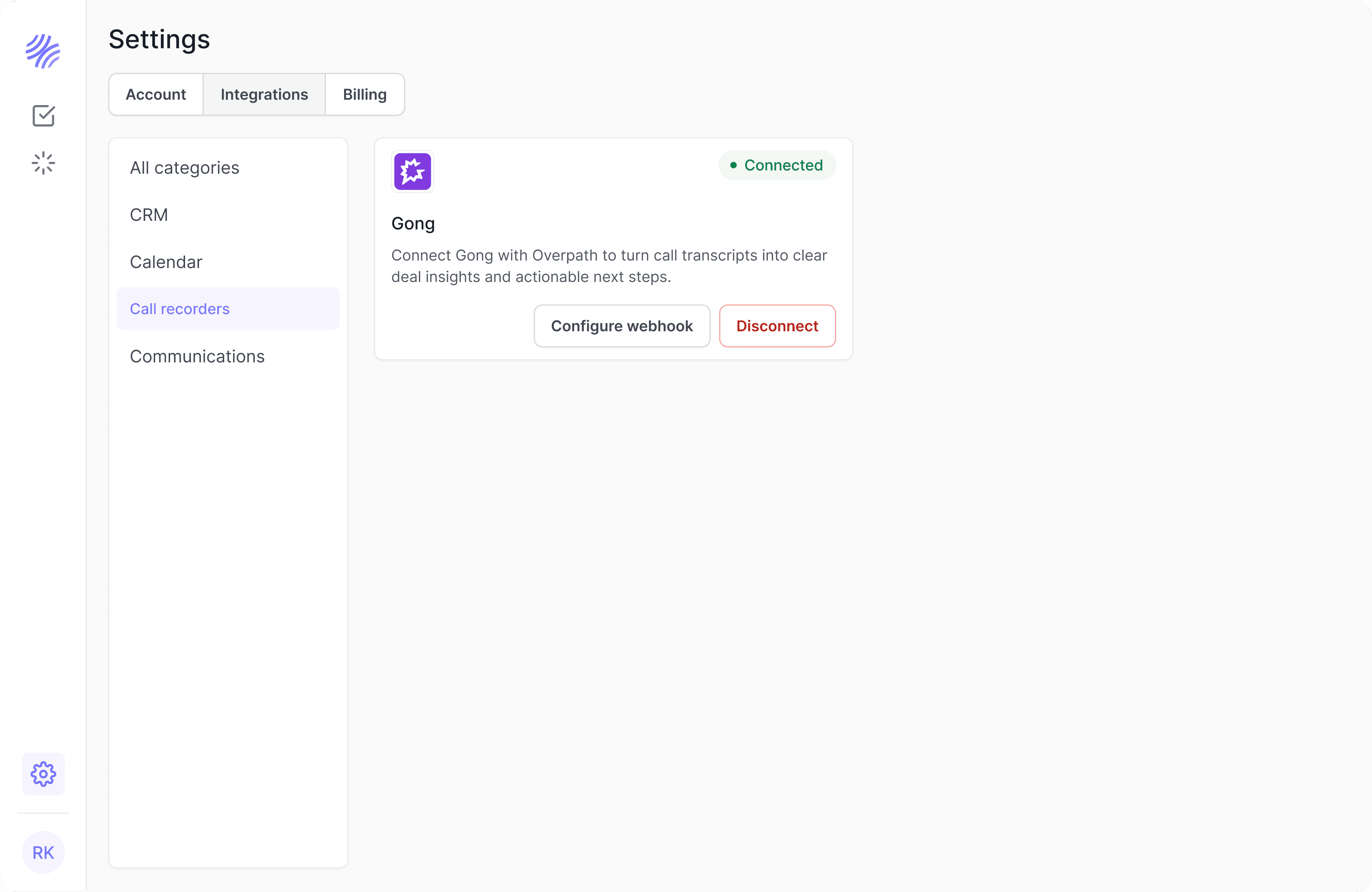
Inside Settings, select the Integrations tab.
Find Gong and click Connect.
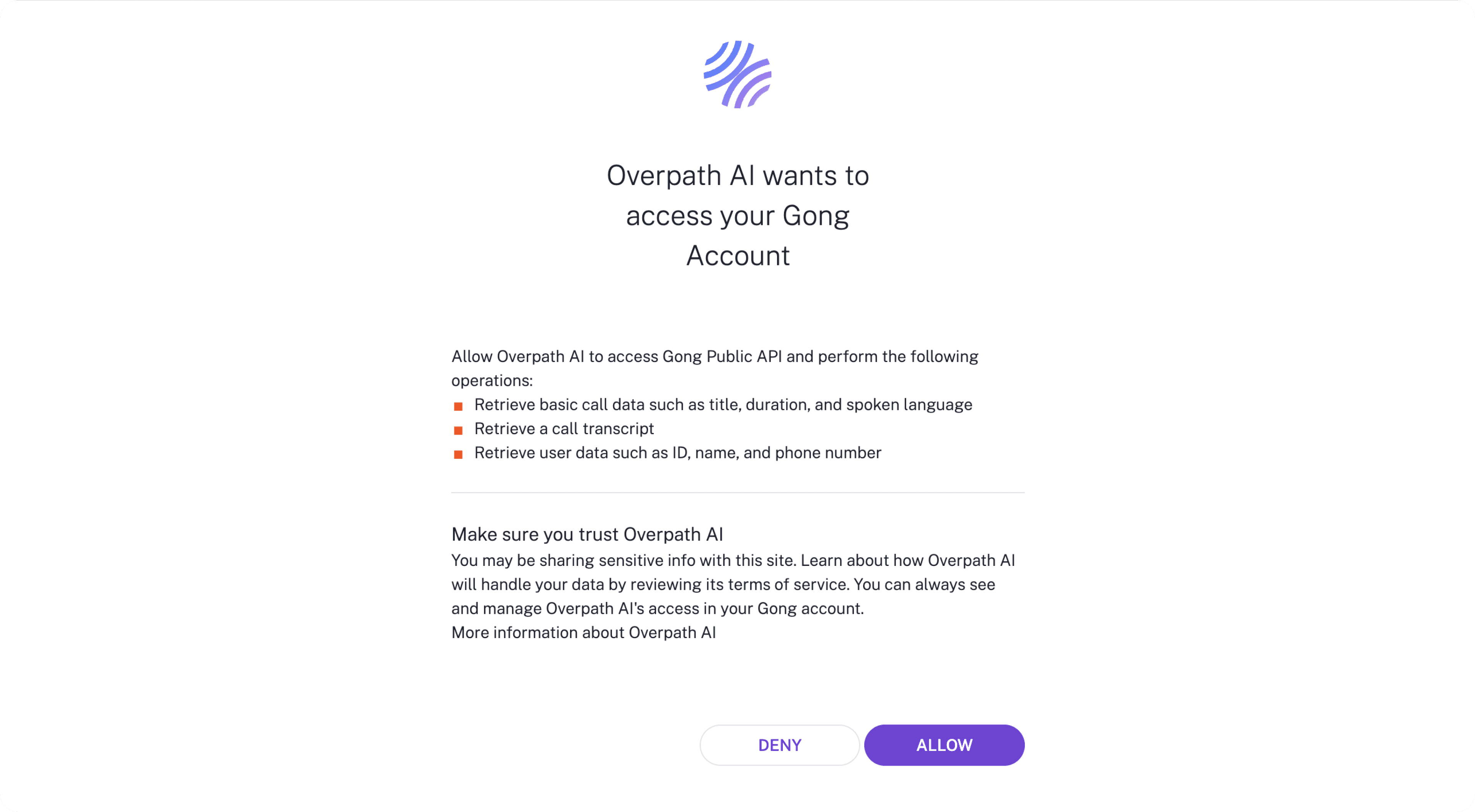
Review the permissions Overpath AI is requesting
(These are required to access recordings, transcripts, and meeting context)Click Allow to finish connecting Gong with Overpath AI
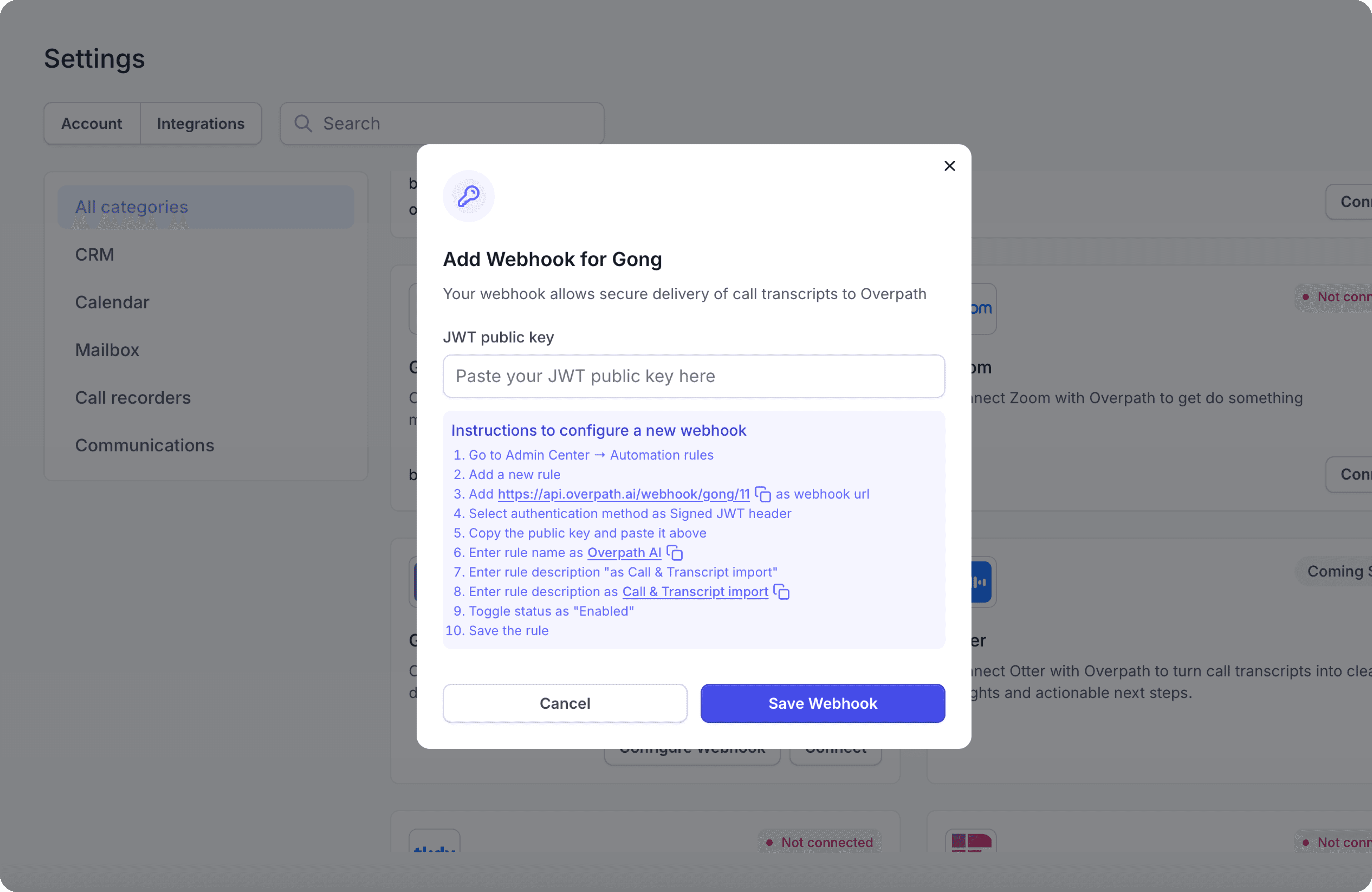
In Overpath AI click Configure Webhook
Go to Admin Center → Automation rules
Add a new rule
Copy the webhook URL (Webhook URL should be copied from the modal as it is generated dynamically for each account)
Select authentication method as Signed JWT header
Copy the public key and paste it above
Enter rule name as Overpath AI
Enter rule description "as Call & Transcript import"
Toggle status as "Enabled"
Save the rule
Press Save Webhook
To confirm everything is set up correctly:
Go back to Settings → Integrations in Overpath AI.
Check that Gong appears under Connected Integrations.
The status should show Connected.
If you run into issues:
Make sure you have Admin access in Gong.
Log out and log back into both Overpath AI and Gong.
Clear your browser cache and try again.
Still stuck? Reach out to us at support@overpath.ai.


