Integrating HubSpot with Overpath AI helps you enrich leads automatically, understand deal context, and keep sales execution in sync — before and after every call.
Follow the steps below to connect HubSpot in just a few minutes.
Open your browser and go to Overpath AI.
Either Sign in using your Google / Microsoft account or with your email.
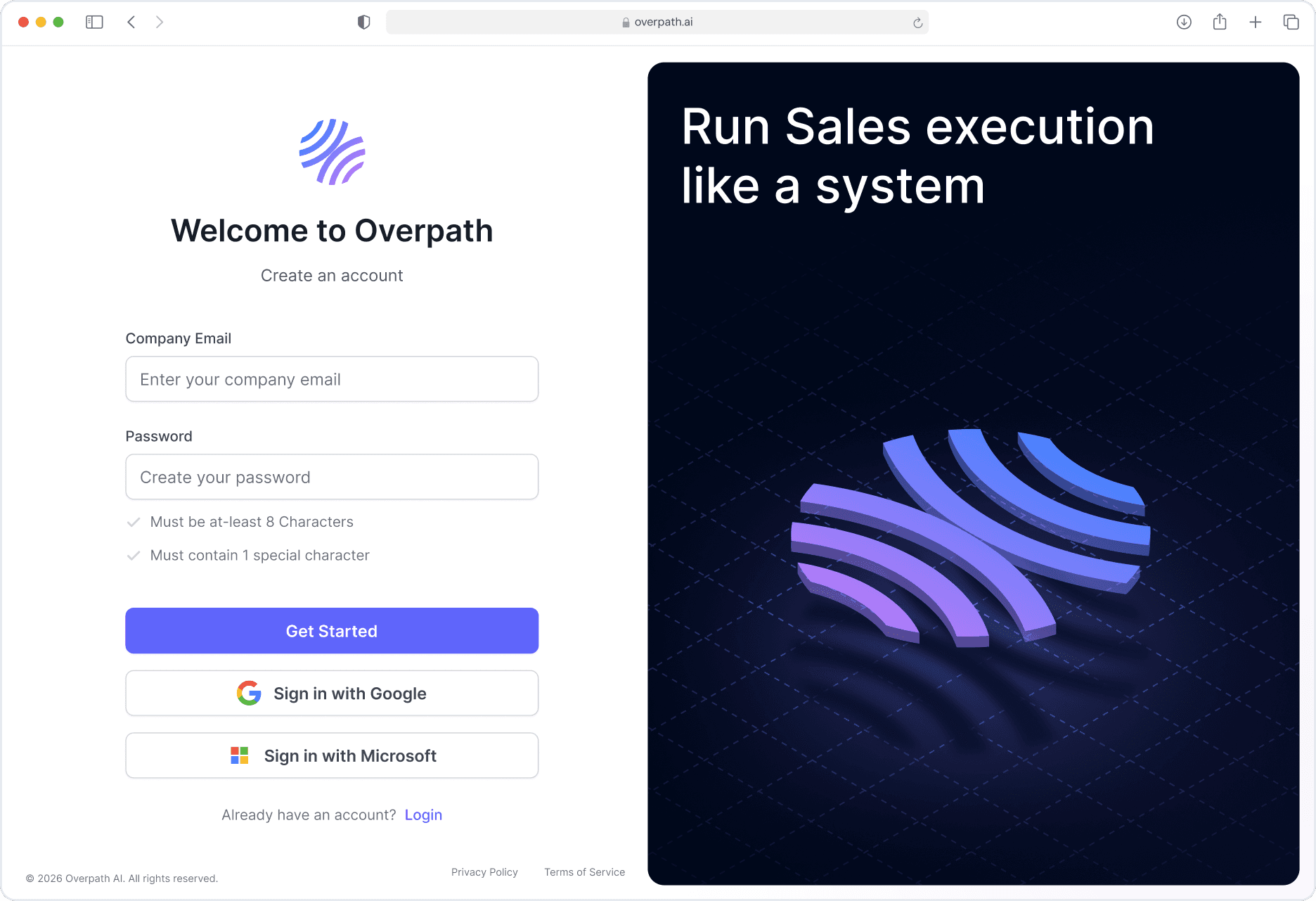
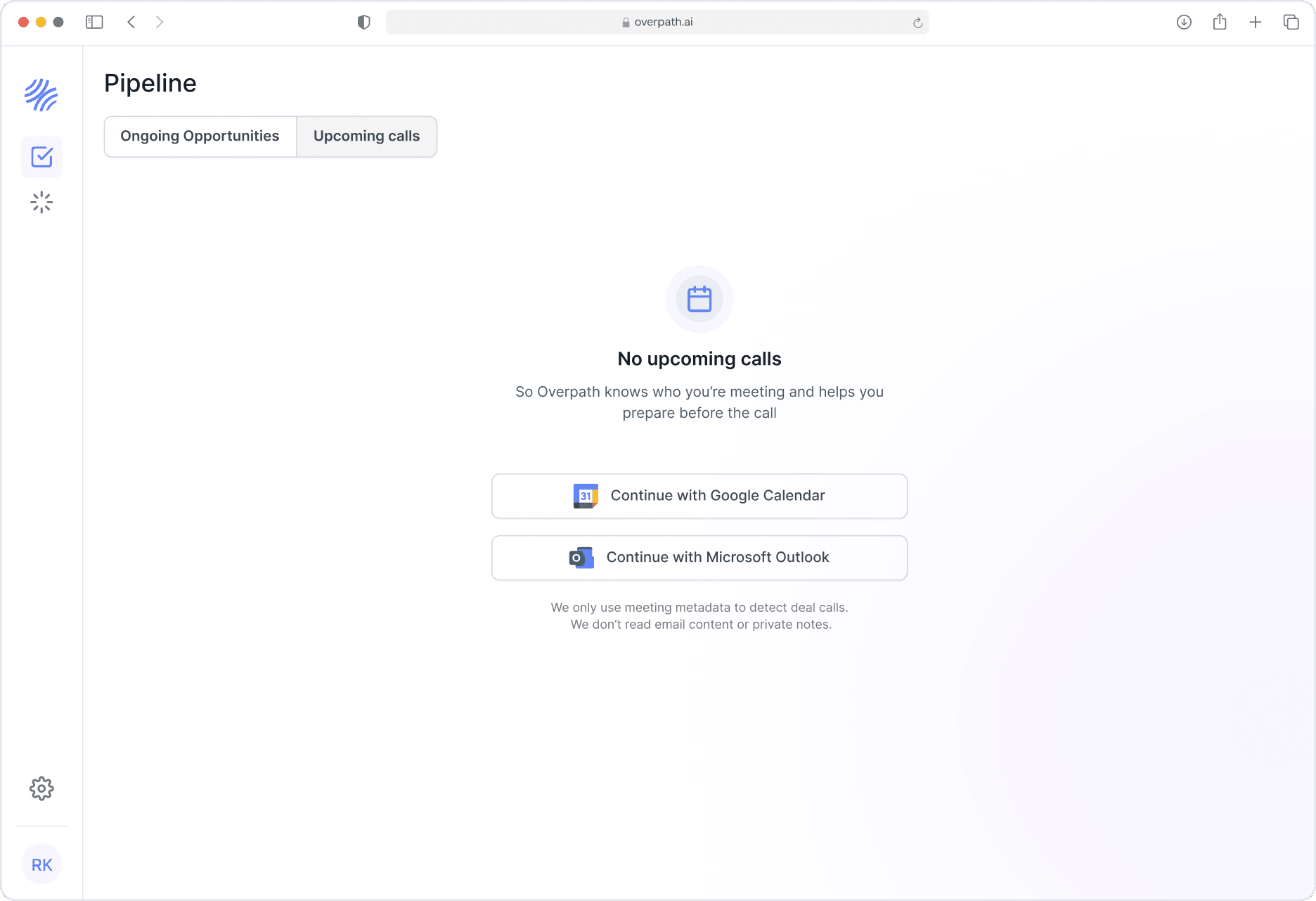
Once logged in, you will land on the pipeline page.
Locate and Click Settings from the left main navigation.
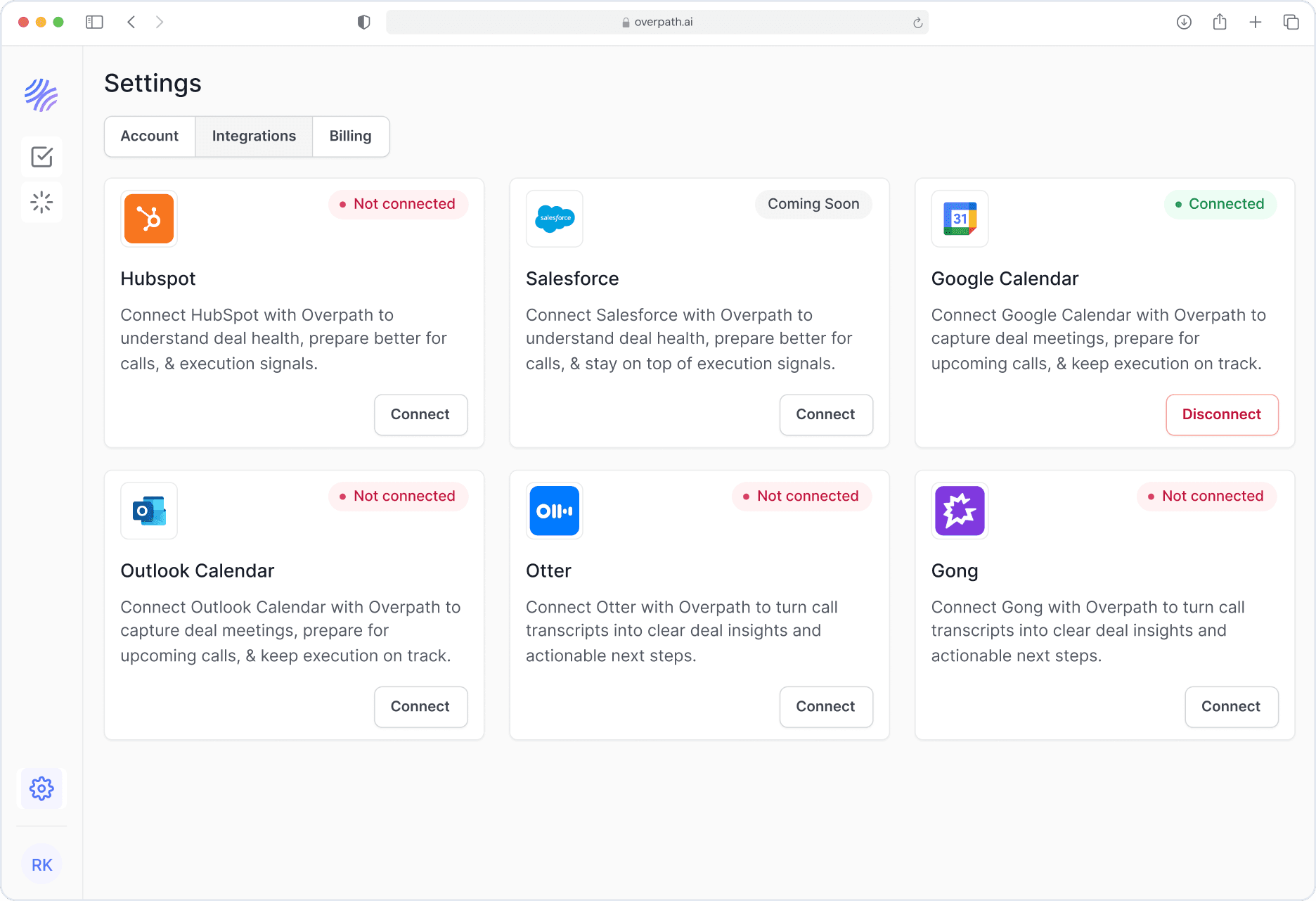
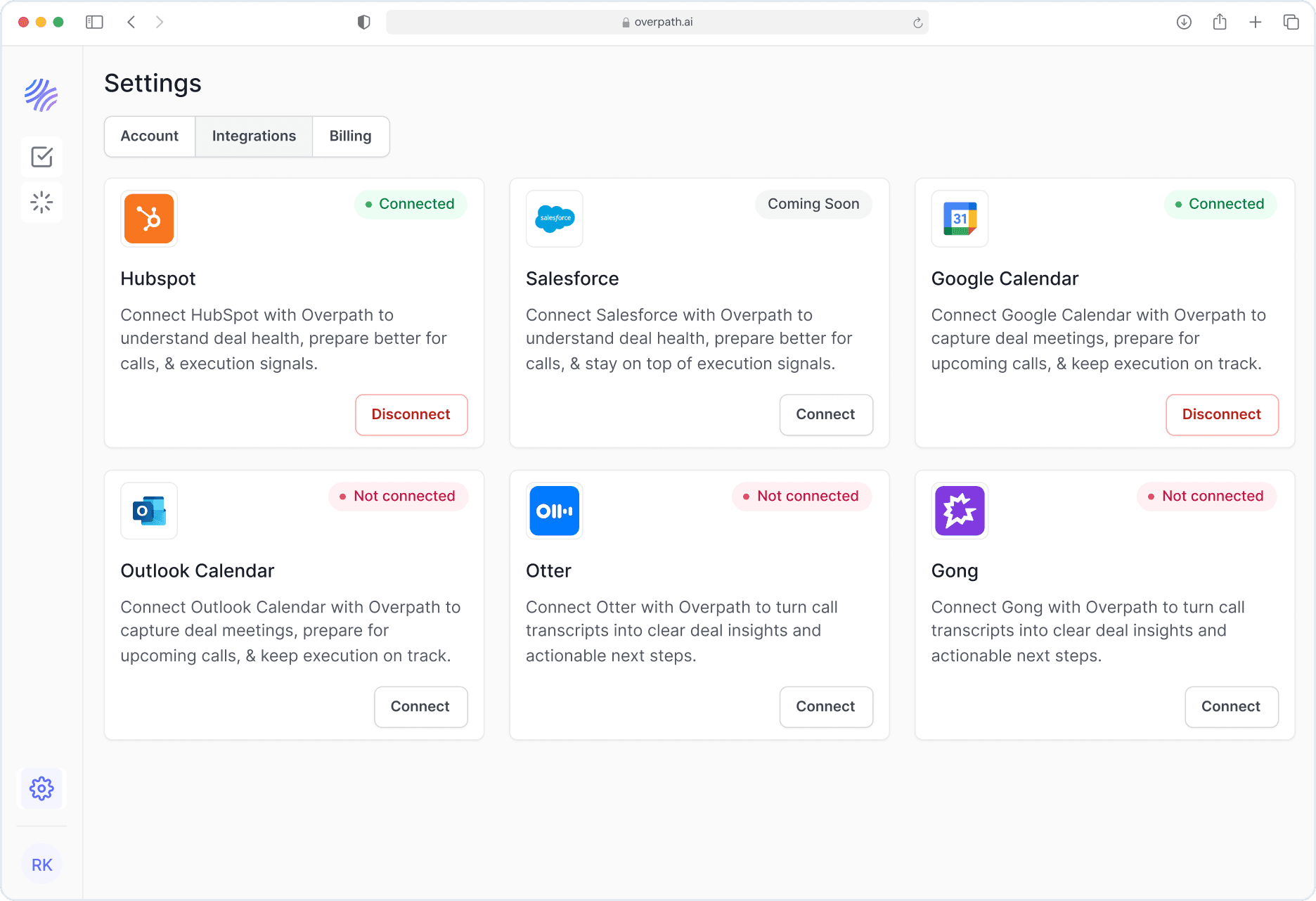
Inside Settings, select the Integrations tab.
Find HubSpot and click Connect.
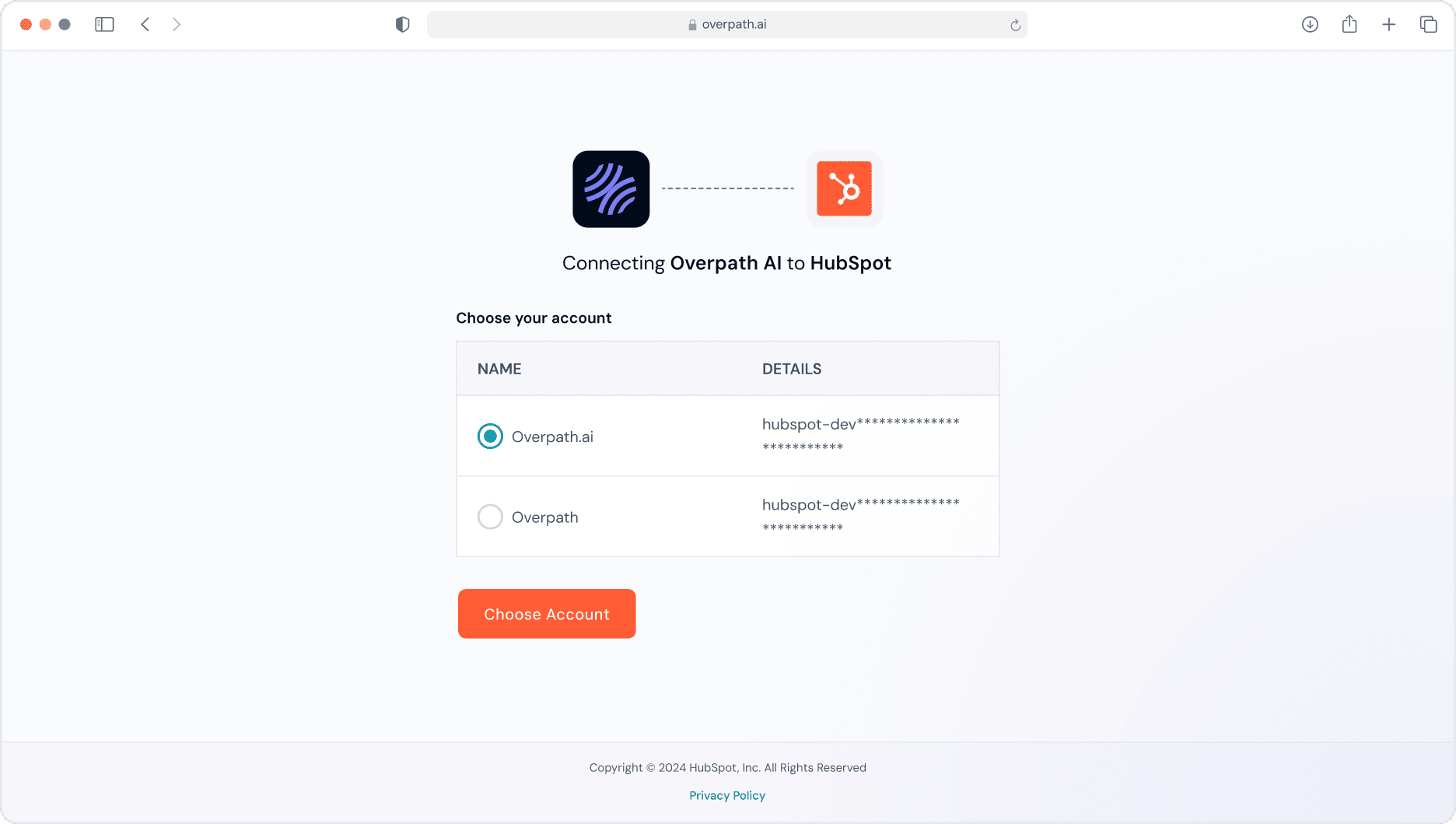
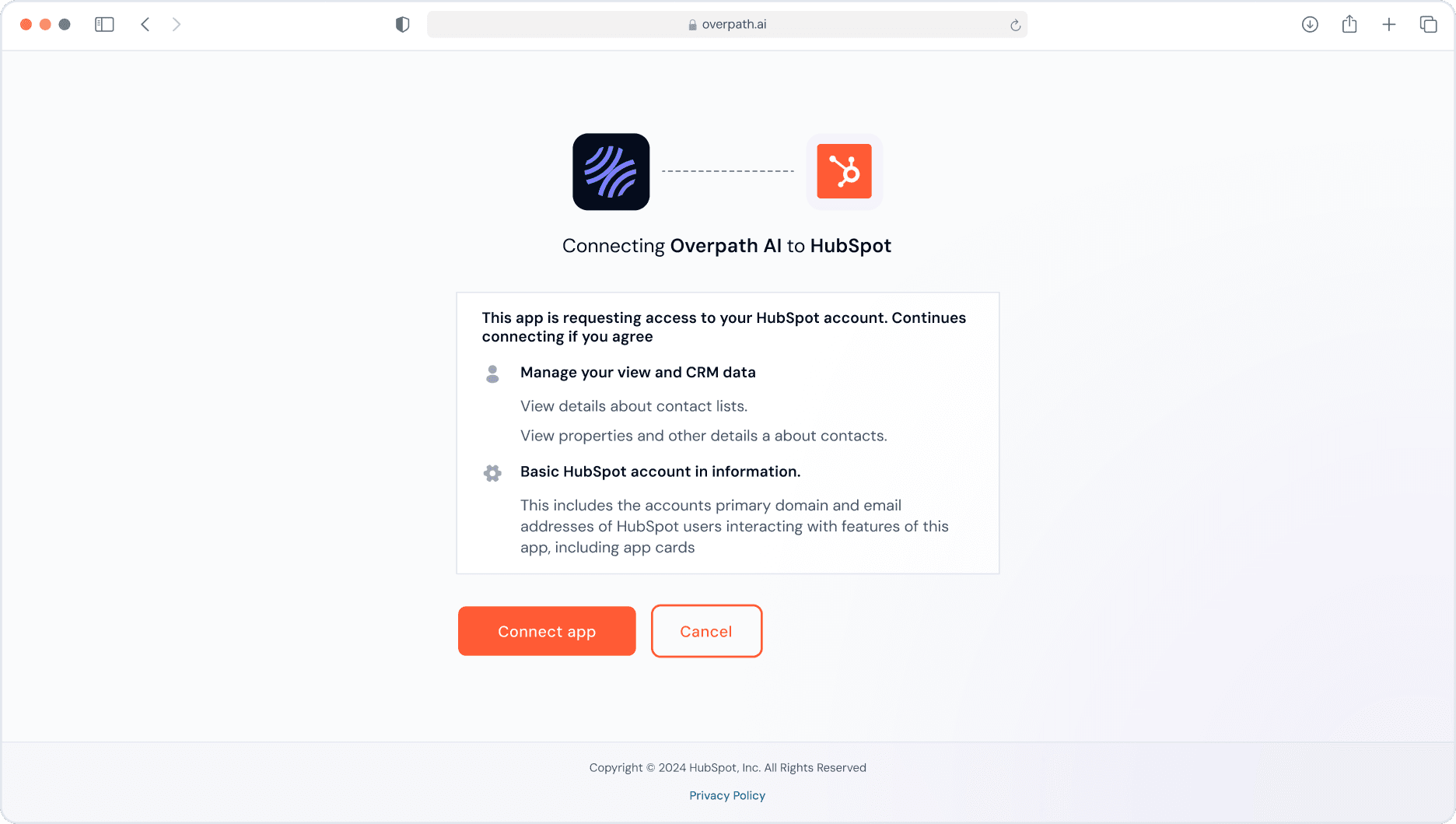
A HubSpot authentication window will appear (with the Overpath logo).
Choose the HubSpot account you want to connect.
Click Choose Account to continue.
Review the permissions requested by Overpath AI.
Click Connect App to complete verification.
You’ll see a confirmation message once HubSpot is connected successfully.
To confirm everything is set up correctly:
Go back to Settings → Integrations in Overpath AI.
Check that HubSpot appears under Connected Integrations.
The status should show Connected.
If you run into issues:
Make sure you have Admin access in HubSpot.
Log out and log back into both Overpath AI and HubSpot.
Clear your browser cache and try again.
Still stuck? Reach out to us at support@overpath.ai.


